01 / INSPECT
A clear process for drivers.
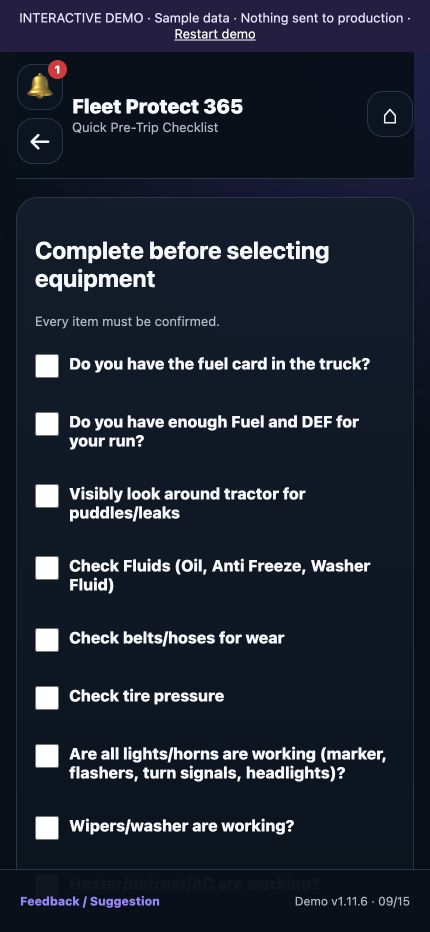
Pre- and post-trip checklists with required connection photos and submission timestamps.
Explore the driver’s dayFrom the first pre-trip photo to the end-of-shift inspection report. Give drivers a clear inspection process and administrators a record they can review.
Your checklists. Your equipment. Your daily operation.
Document the inspection on the driver’s phone. Keep the supporting information accessible. Put the daily record in the right hands.
Pre- and post-trip checklists with required connection photos and submission timestamps.
Explore the driver’s day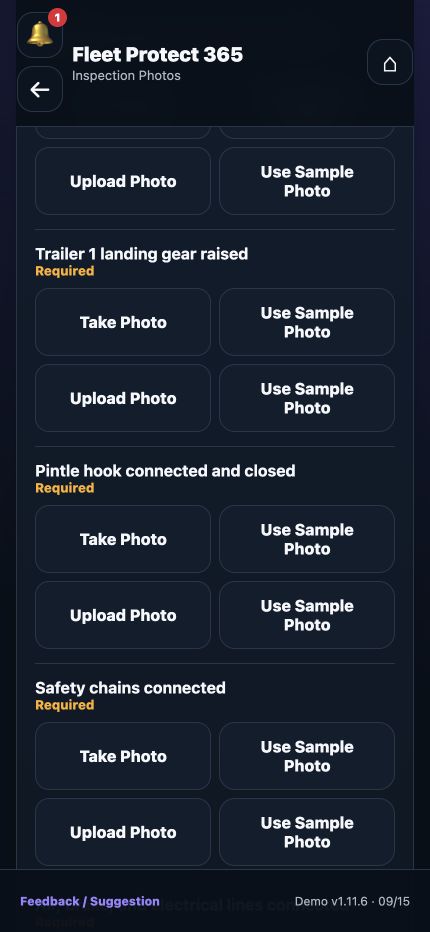
See the actual required-photo screen for a doubles inspection, including fifth-wheel, pintle-hook, and safety-chain documentation.
Explore connection photosReview submitted inspections and use the supporting details when coordinating follow-up.
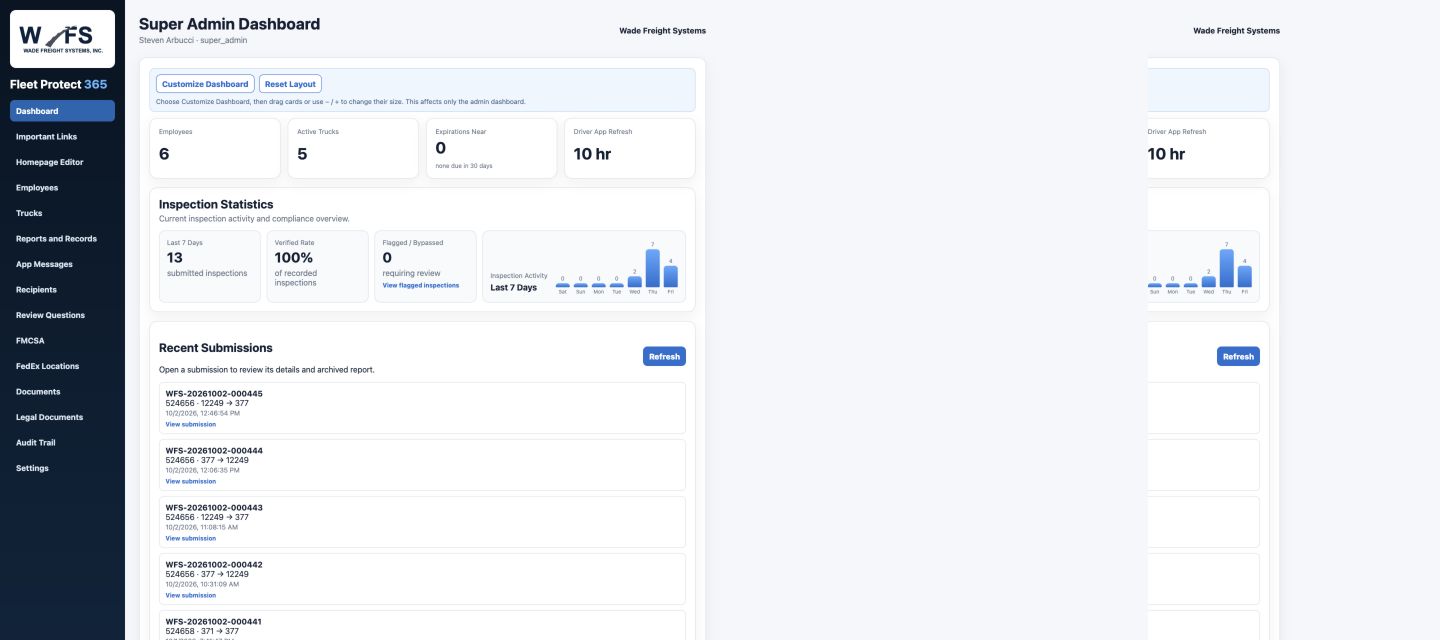
Explore the Admin PortalA completed checklist tells part of the story. Required connection photos give the submitted record visual context.
Bring responses, photos, and timestamps into the inspection workflow so your administrator has something specific to review.
See how inspections are documentedAn organized record for the driver and designated administrator.
An end-of-shift inspection PDF gives the driver and designated administrator a record of the day’s submissions.
Open the Sample Report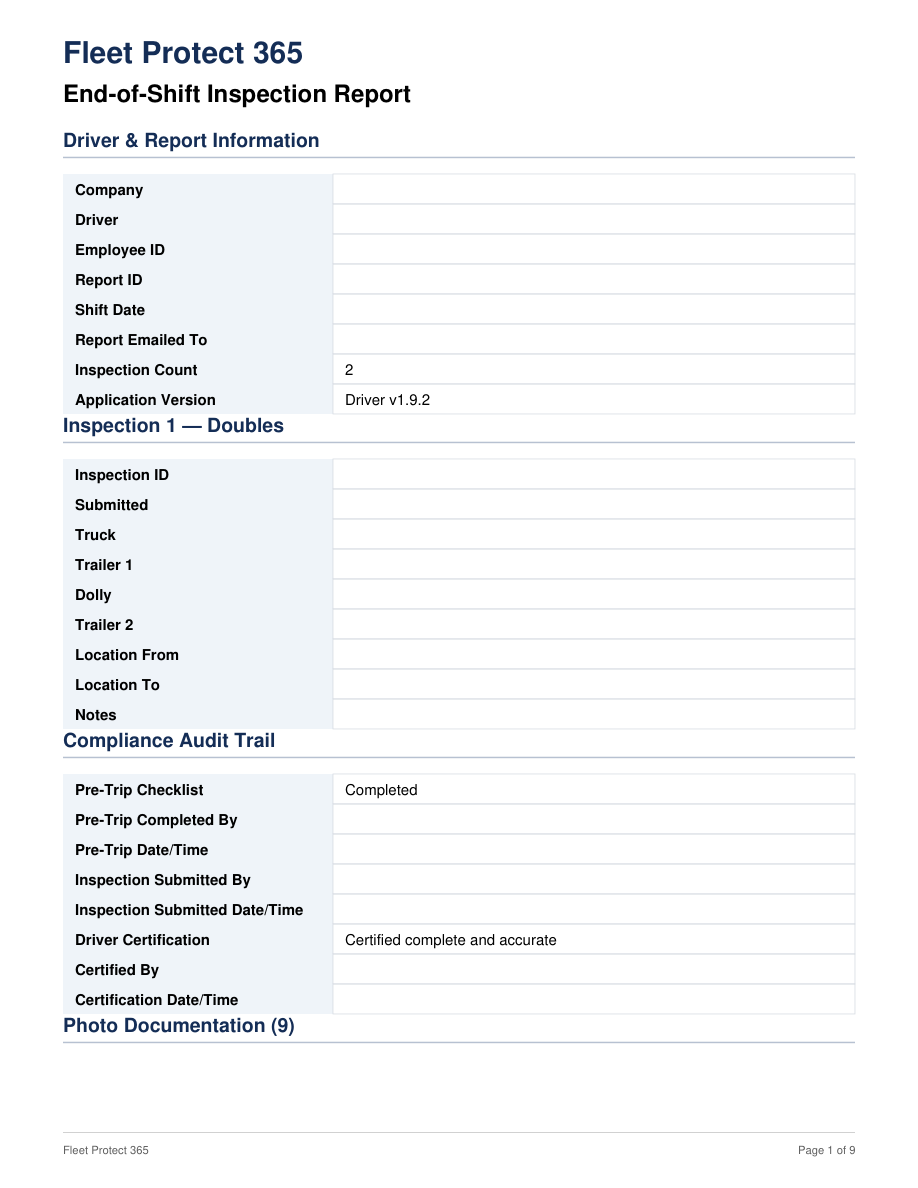
Actual report layout · Identifying information removed · 9 pages
Use Fleet Protect 365 alongside those tools for inspection documentation, accident records, and end-of-shift inspection reporting. A direct integration with your routing or camera system is not required.
Request a fleet quote covering tractors, trailers, dollies, drivers, and administrators.
Explore the pricing pageWalk through the driver’s inspection and the record your administrator receives.
The driver’s day continues beyond the first inspection.
Use Save Entry, then Continue Saved Entry on the same device when you’re ready to return. See how it works →
Management messages, driver acknowledgments, and replies help the office and driver stay in contact. Explore communication →
Capture equipment details, photos, location, and the driver’s account in a dedicated reporting workflow. Explore incident reporting →
Explore the interactive demo with sample data before requesting a walkthrough. Try the Driver Demo →
Inspection documentation for linehaul contractors.
Fleet Protect 365 brings driver checklists, connection photos, incident documentation, and end-of-shift inspection reporting into a shared workflow for drivers and administrators.
Review the actual screens and sample report, try the driver demo, or contact us for a walkthrough built around your fleet.
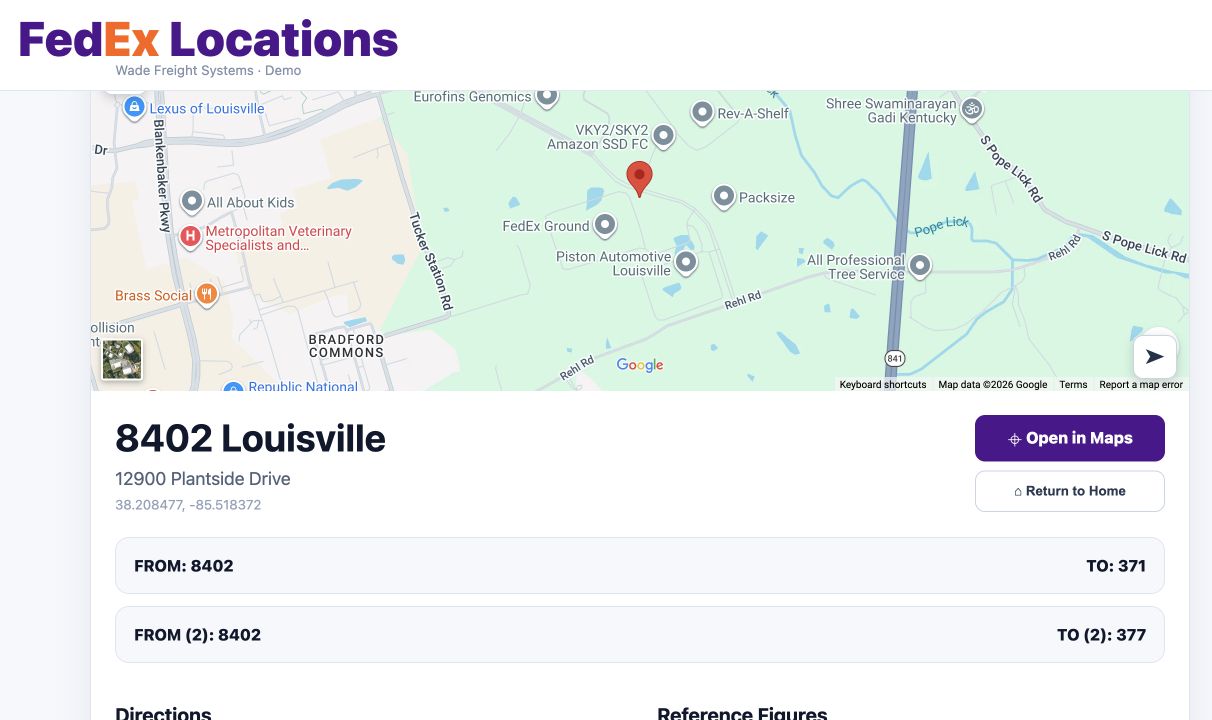
Search by code, review the map and address, and read saved directions, yard instructions, and notes.
Explore Location Information