01 / FIND
Enter a location code
In the demo, type 8402 and select the arrow, or select Louisville from the location list.
Search a saved location by code or choose it from the list. Bring the address, map, directions, and yard instructions together before arrival.
Demo location: 8402 Louisville · One saved location included
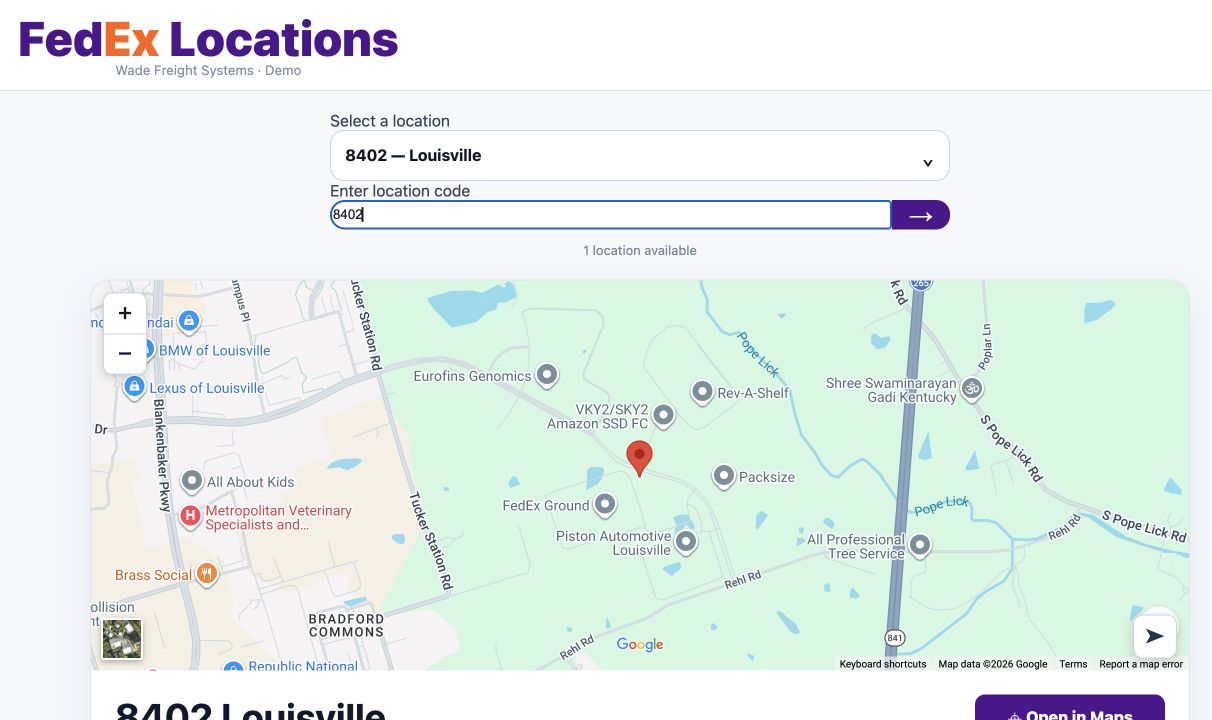
This is the existing location demo, with the same layout used to present saved location information.
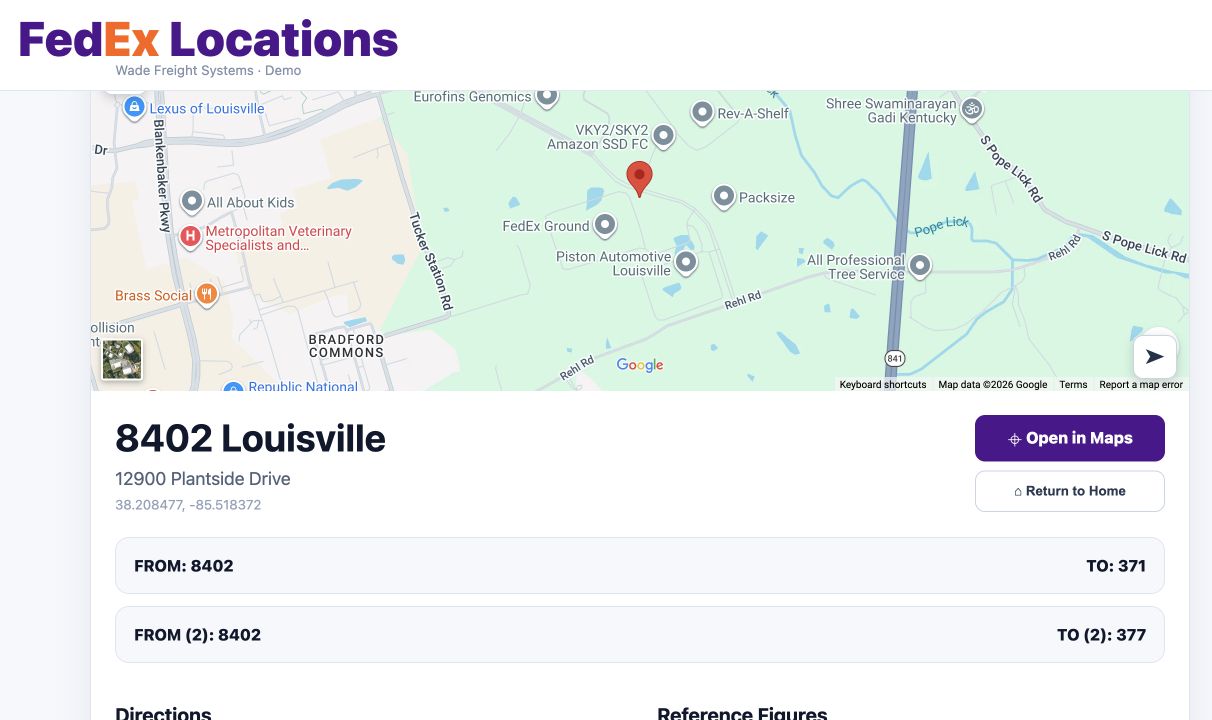
Reference figures and external links appear when added. This sample has none. Maps and external navigation require internet.
In the demo, type 8402 and select the arrow, or select Louisville from the location list.
Review the saved directions, yard instructions, and notes alongside the map.
Use Open in Maps to open the location in your mapping service. Follow current road signs and site instructions.
Try the real location demo or include location information in your product walkthrough.