01 / DOCUMENT
Tractor to trailer
Document the connection as required by your company’s inspection checklist.
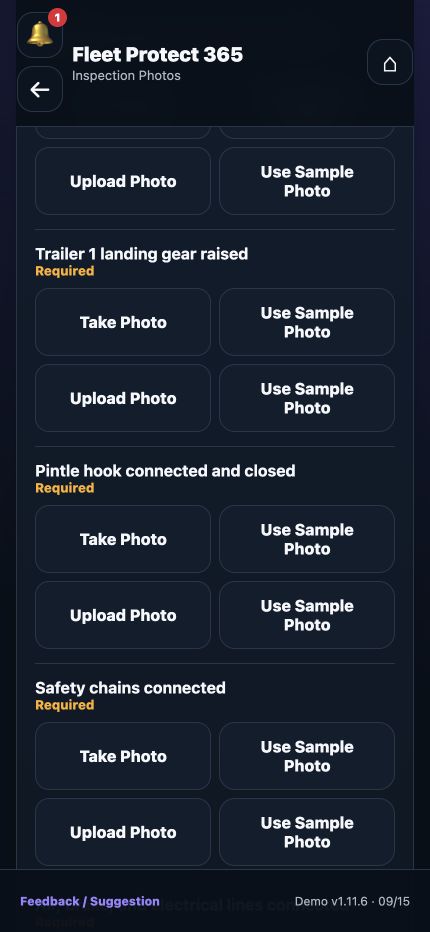
Give every submitted inspection a record your team can review, from the driver’s responses to the required connection photos.
Document the connection as required by your company’s inspection checklist.
Capture the applicable connection details within your inspection process.
Include the required photos for the equipment configuration being inspected.
Build your pre- and post-trip checklists or ask for help configuring the forms your drivers already use.
Use the inspection record and supporting photos to explain the concern. Follow company procedures for contacting dispatch, maintenance, or a supervisor and determining next steps.
Photos provide a visual record of what was submitted. They do not, by themselves, establish that a connection is safe or replace a physical inspection.
This mockup does not represent automated safety approval or repair authorization.
Walk through the driver’s inspection and the record your administrator receives.