Company documents
Handbooks, operating procedures, safety policies, and user guides are examples of company materials. Confirm the current upload, organization, and driver-access options during your walkthrough.
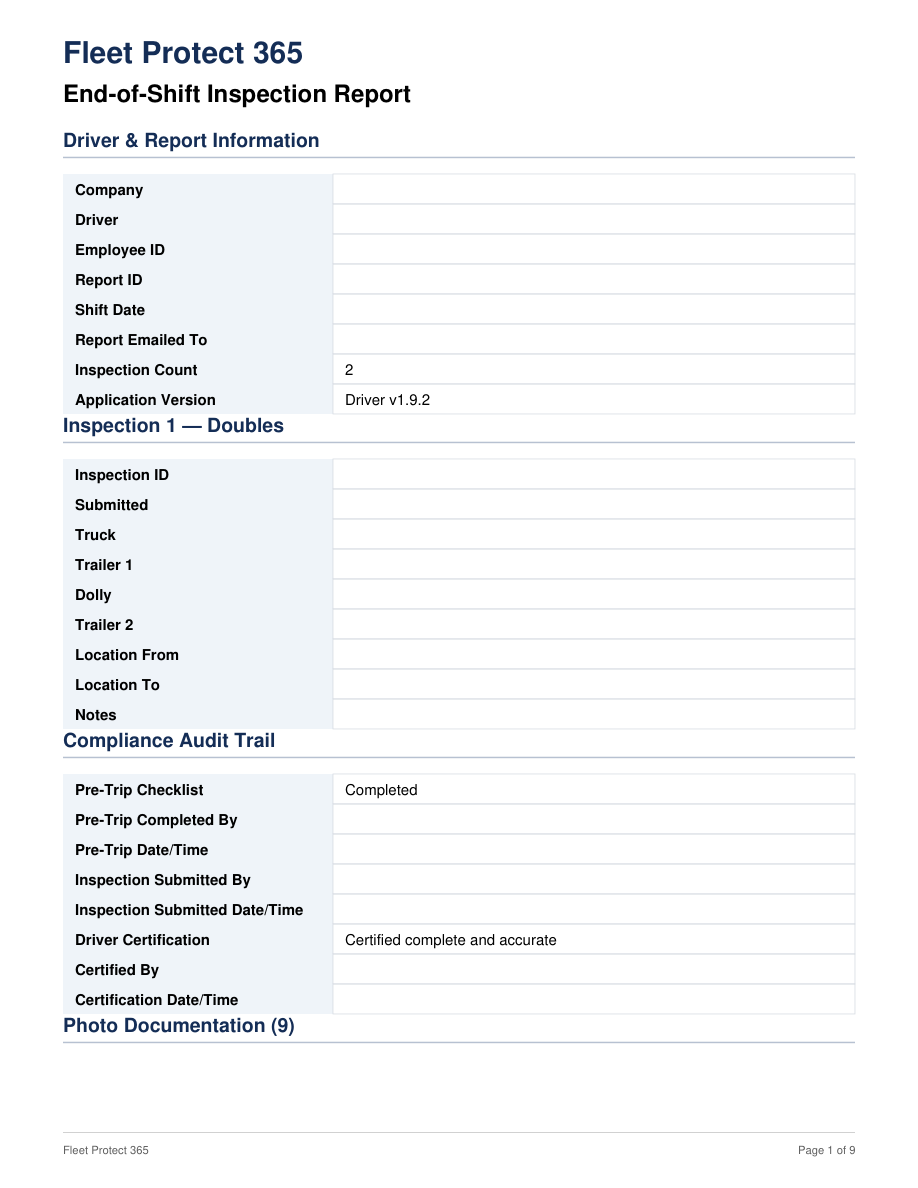
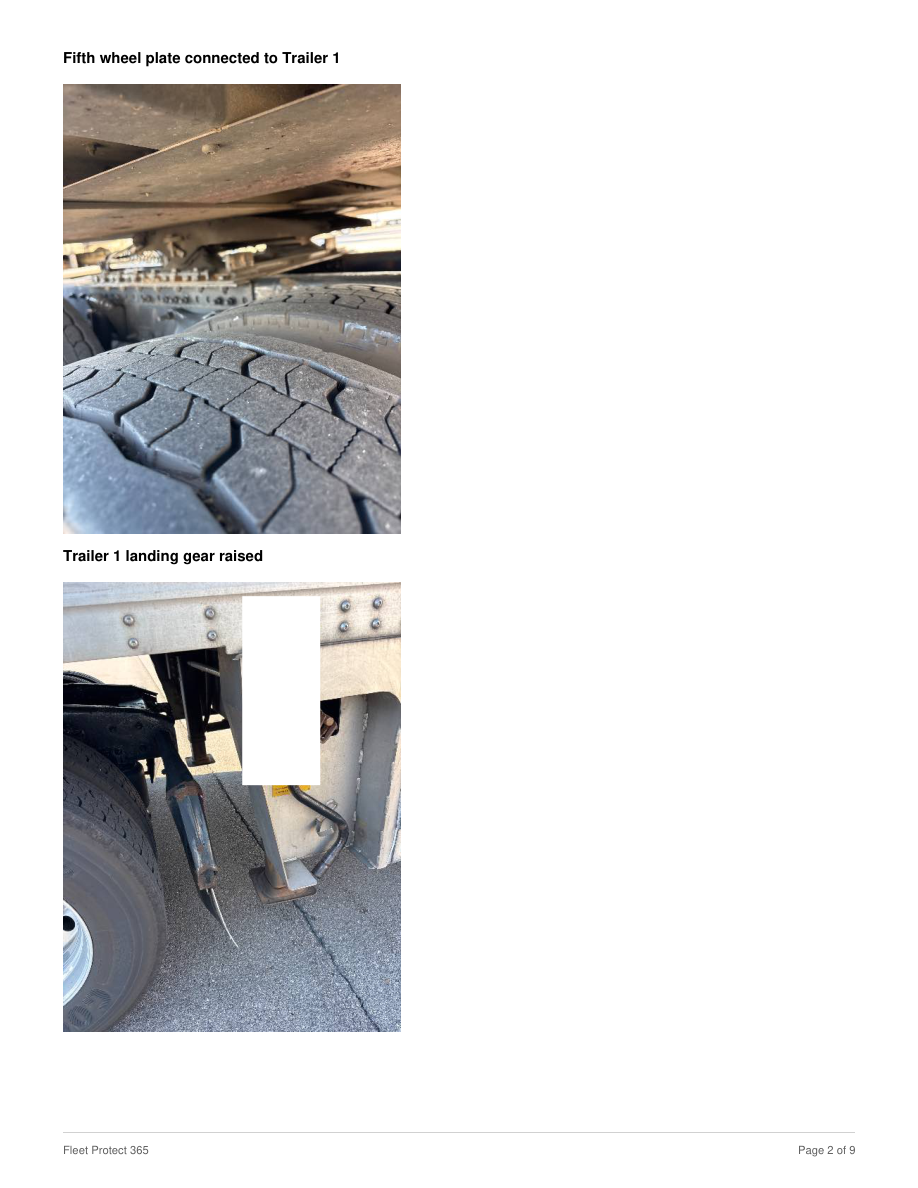
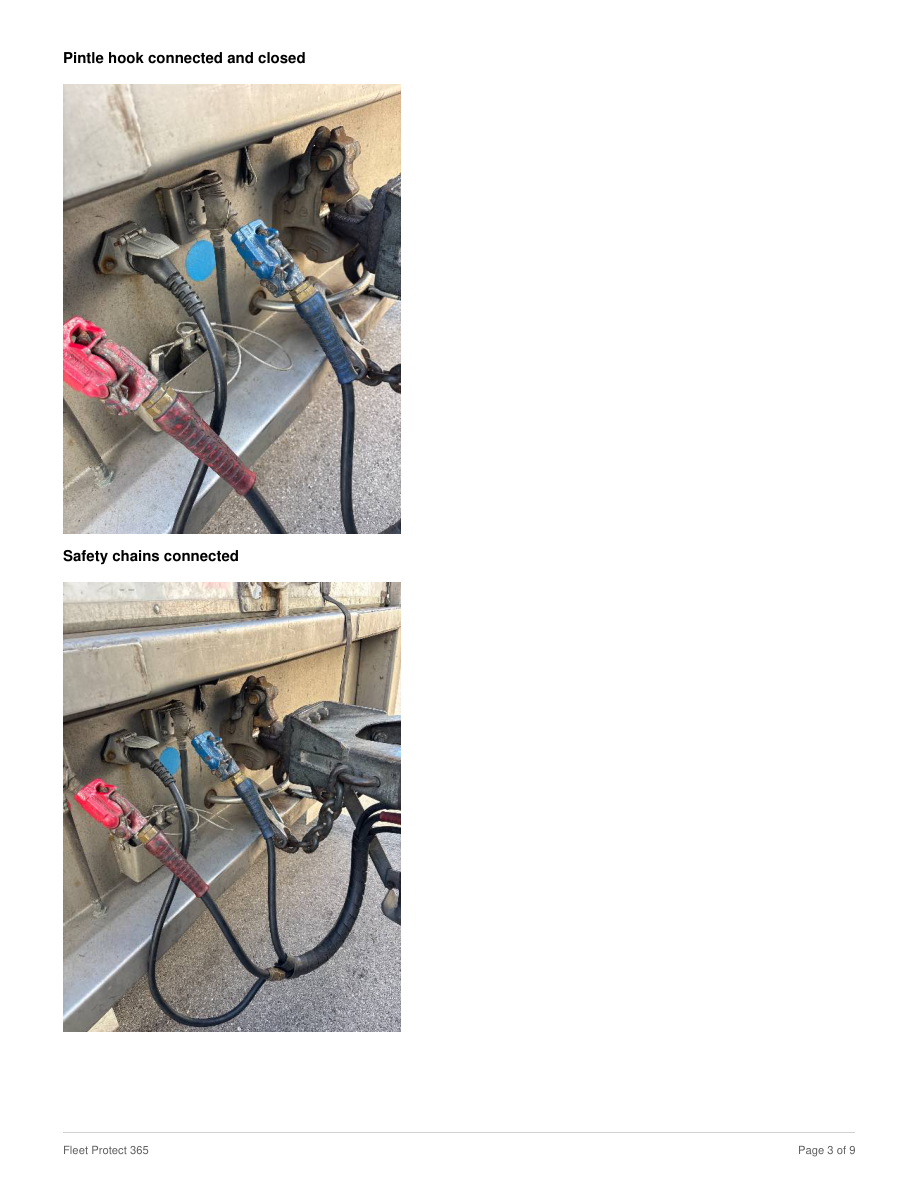
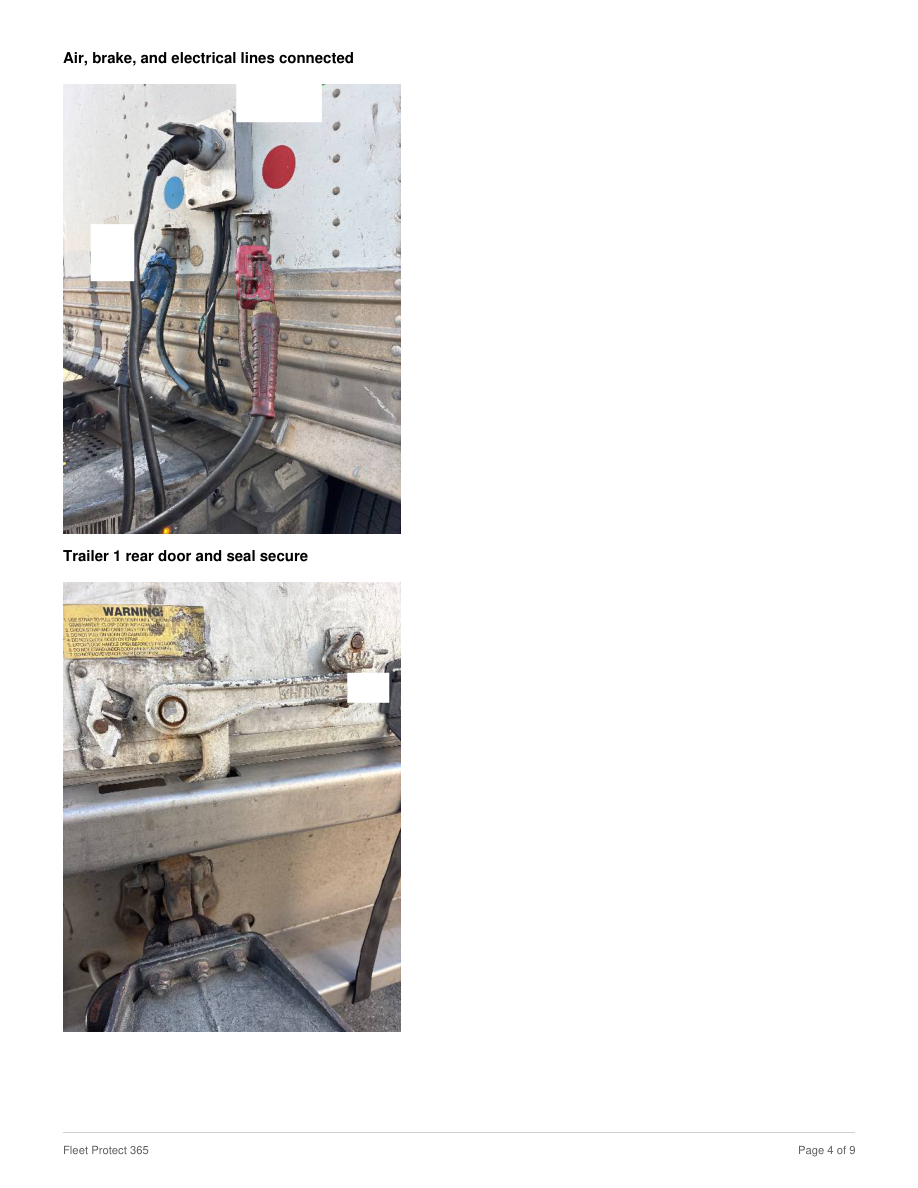
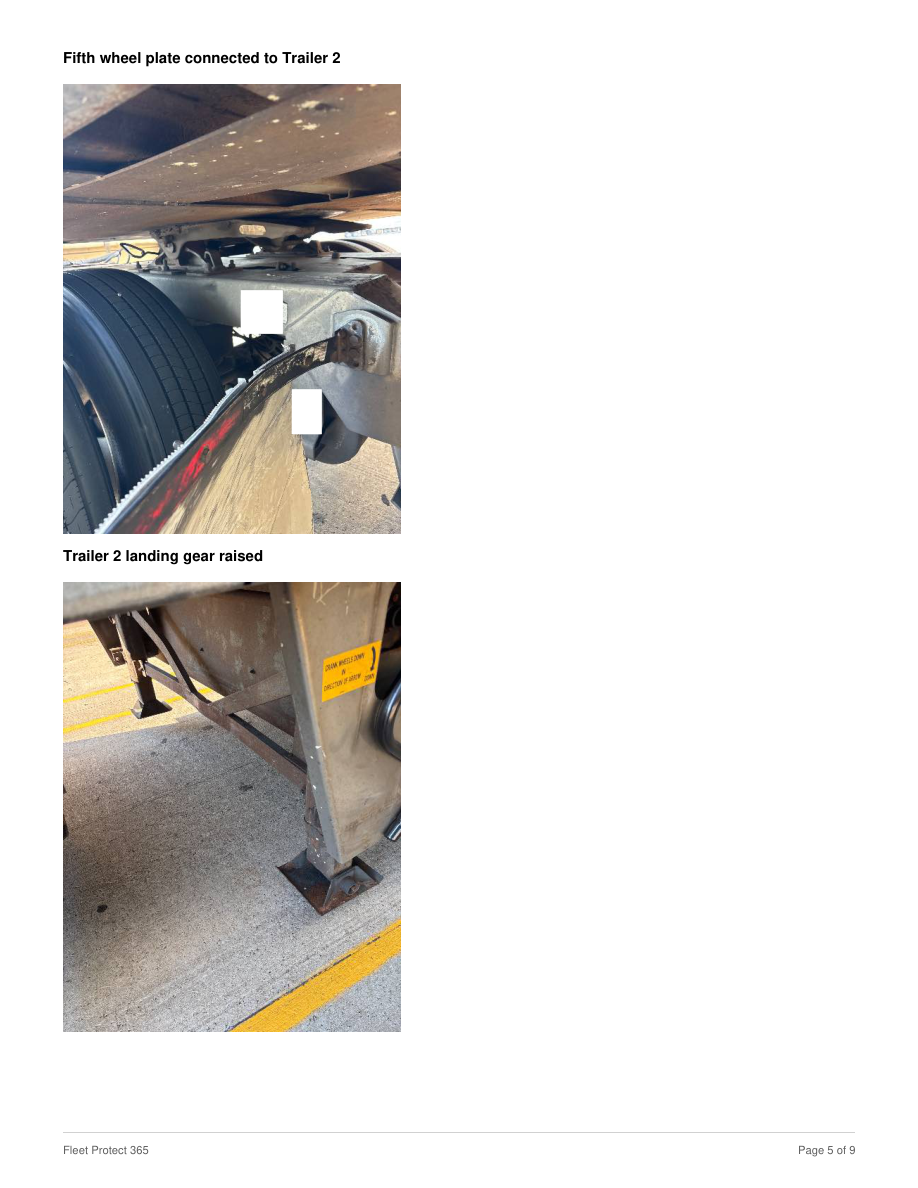
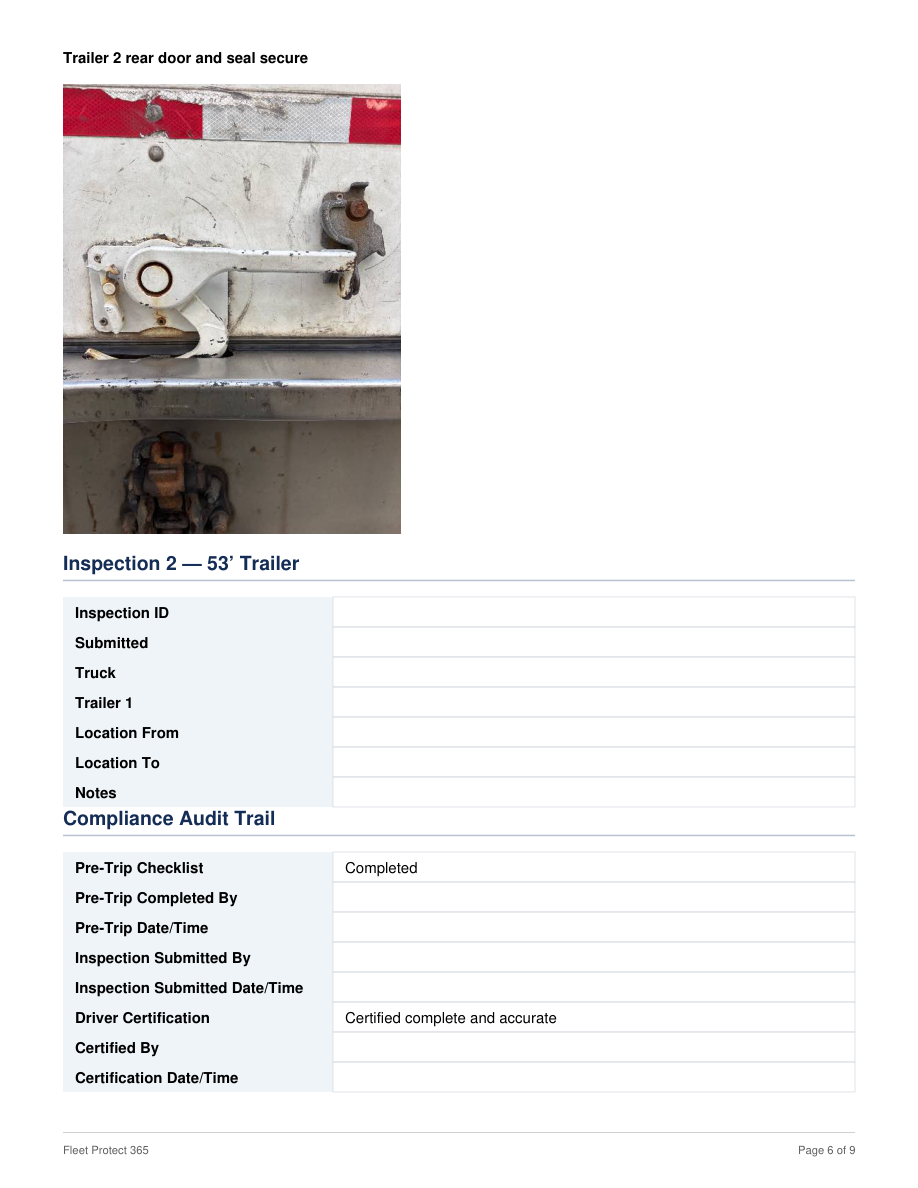
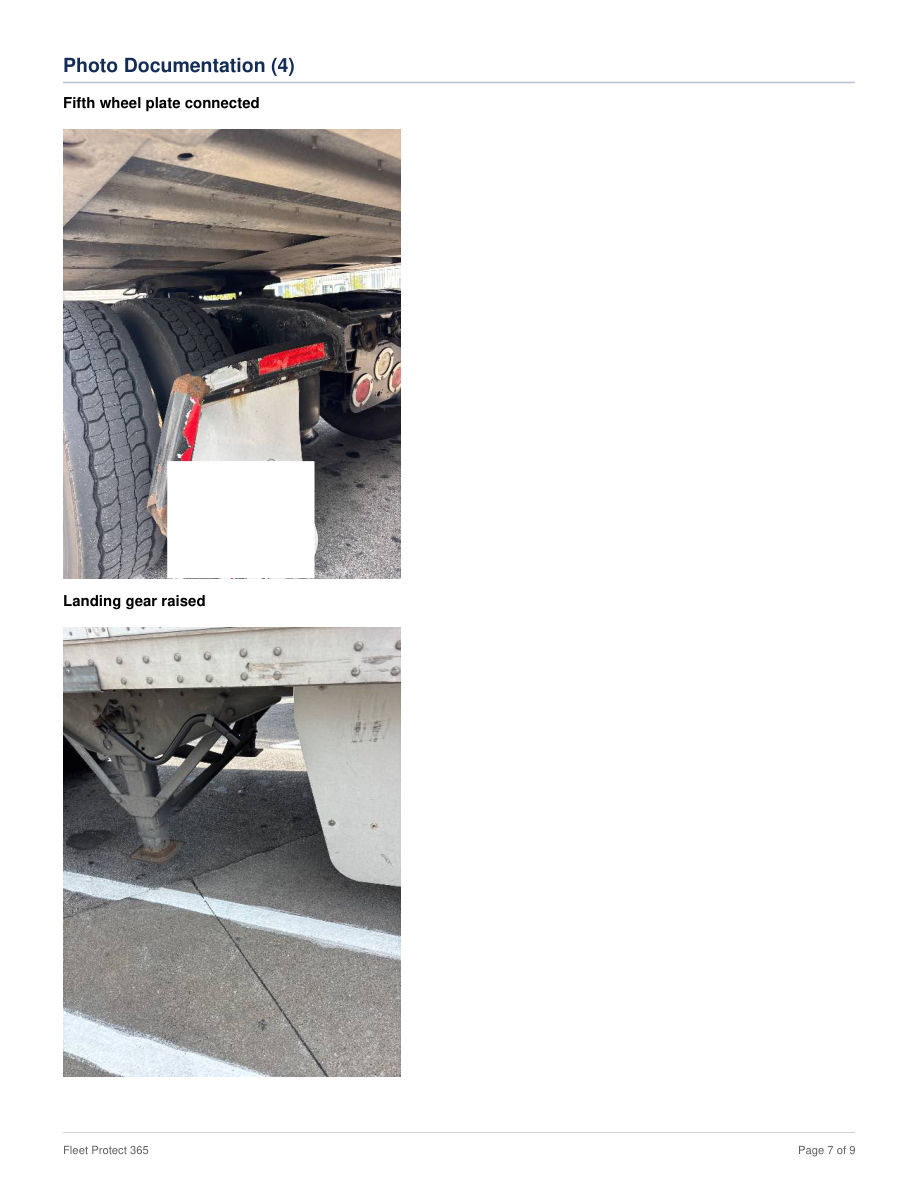
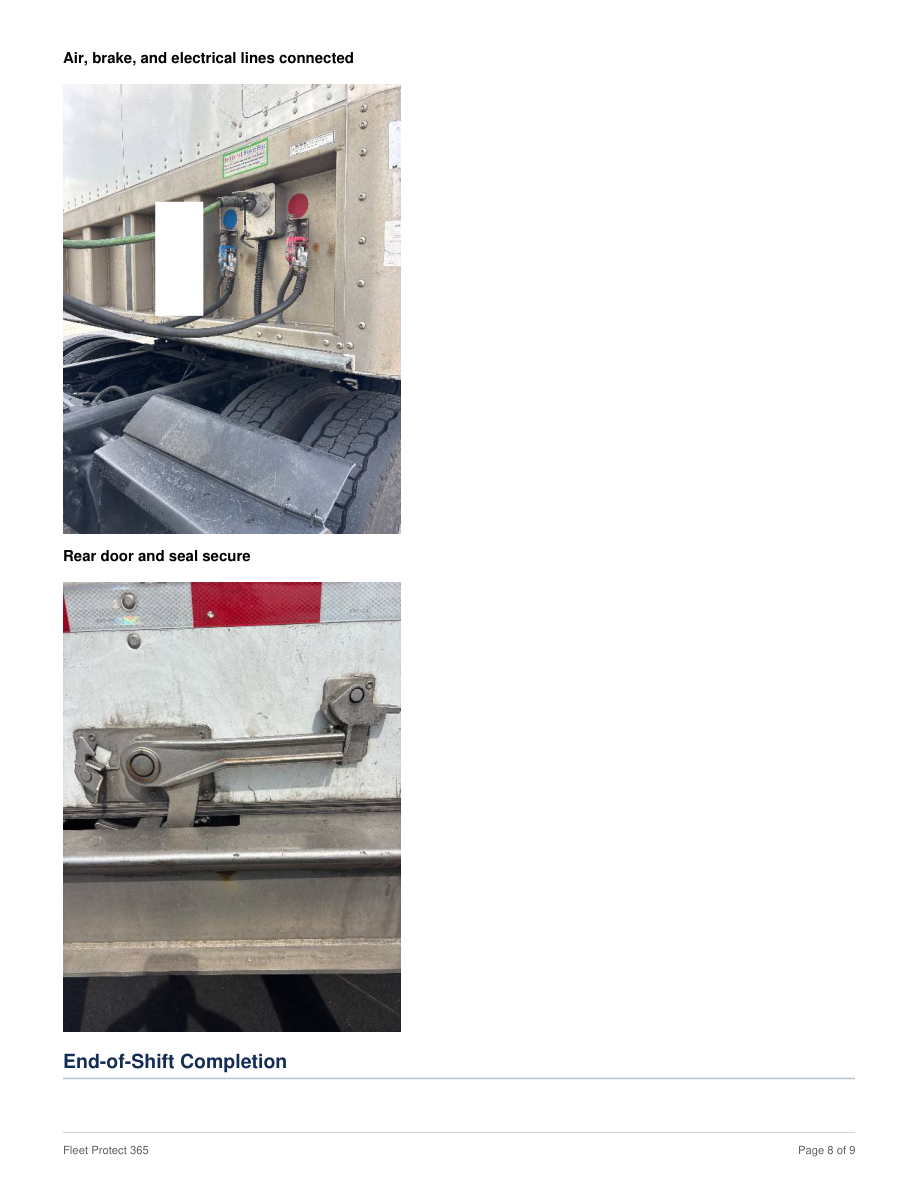
Open documents by truck number and review the driver’s end-of-shift inspection report, including the submitted inspection details and photos.
Administrators open a truck in Truck Assets and use Documents to add files and titles. Drivers open Truck documents from the app menu, select the truck number, and tap a title to view the document.
Keep company documents on your company network and/or your own drives. We review the access method during onboarding; a private network connection may require separately scoped integration work.
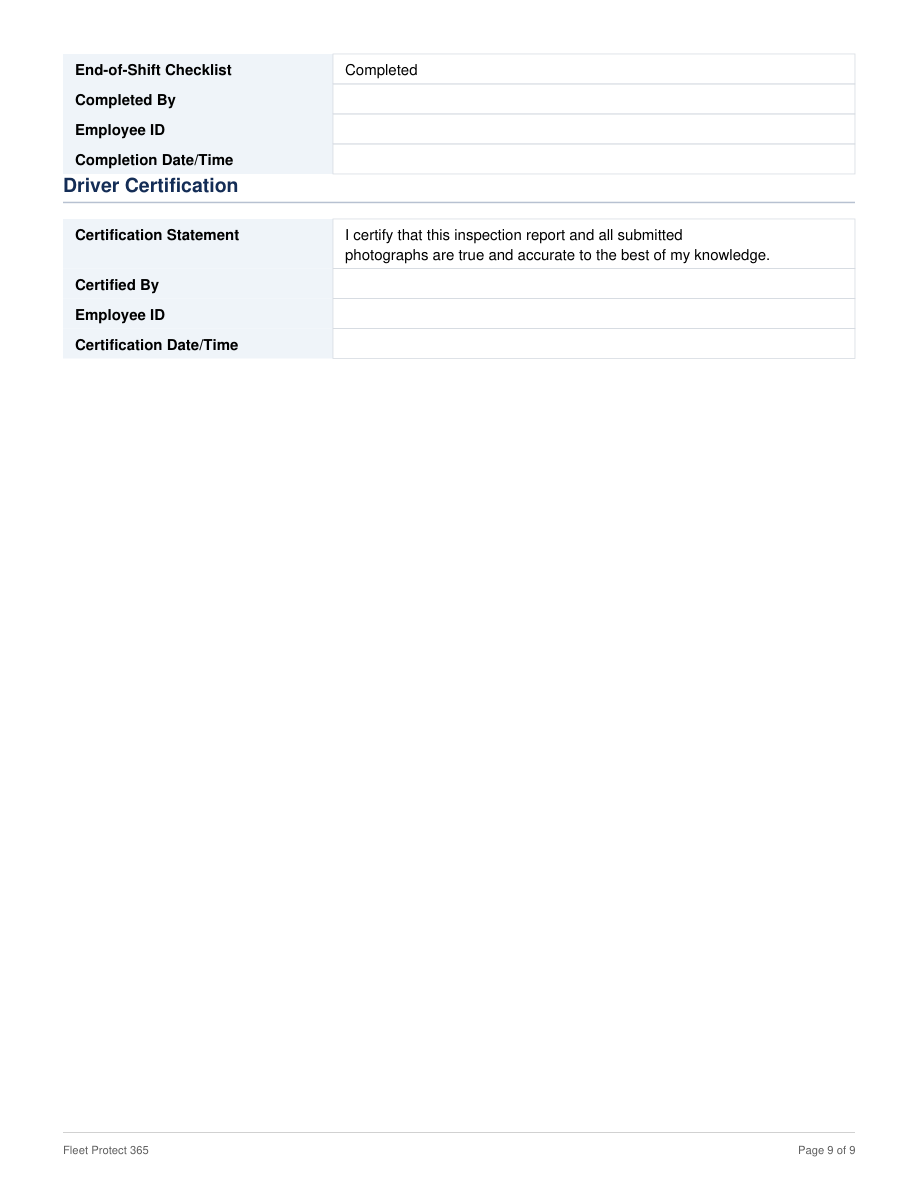
This nine-page sample uses an actual Fleet Protect 365 report. The original layout, tables, photo positions, captions, and page breaks are preserved. Company, personal, and trip-identifying information has been blanked out.
Blank fields are intentional redactions. Inspection results and certification wording are retained from the source; this is a sample, not a new inspection.
Keep the distinction clear when planning access for your team.
Handbooks, operating procedures, safety policies, and user guides are examples of company materials. Confirm the current upload, organization, and driver-access options during your walkthrough.
Maintain a document list for each truck. Administrators add and manage documents, and authorized drivers select the truck number and document title to open the file.
Use the Admin Portal’s available reporting and archived records to locate earlier documentation. Ask us to demonstrate the available search, filters, and date coverage for your operation.
Confirm who can access records, how exports work, and how long each type of record remains available before choosing a plan.