REVIEW
Inspection records
Review submitted checklist responses and photos. Use the details to coordinate follow-up with the driver or relevant team.
Access inspection records, manage equipment documents, and give the appropriate people visibility into the day’s documentation.
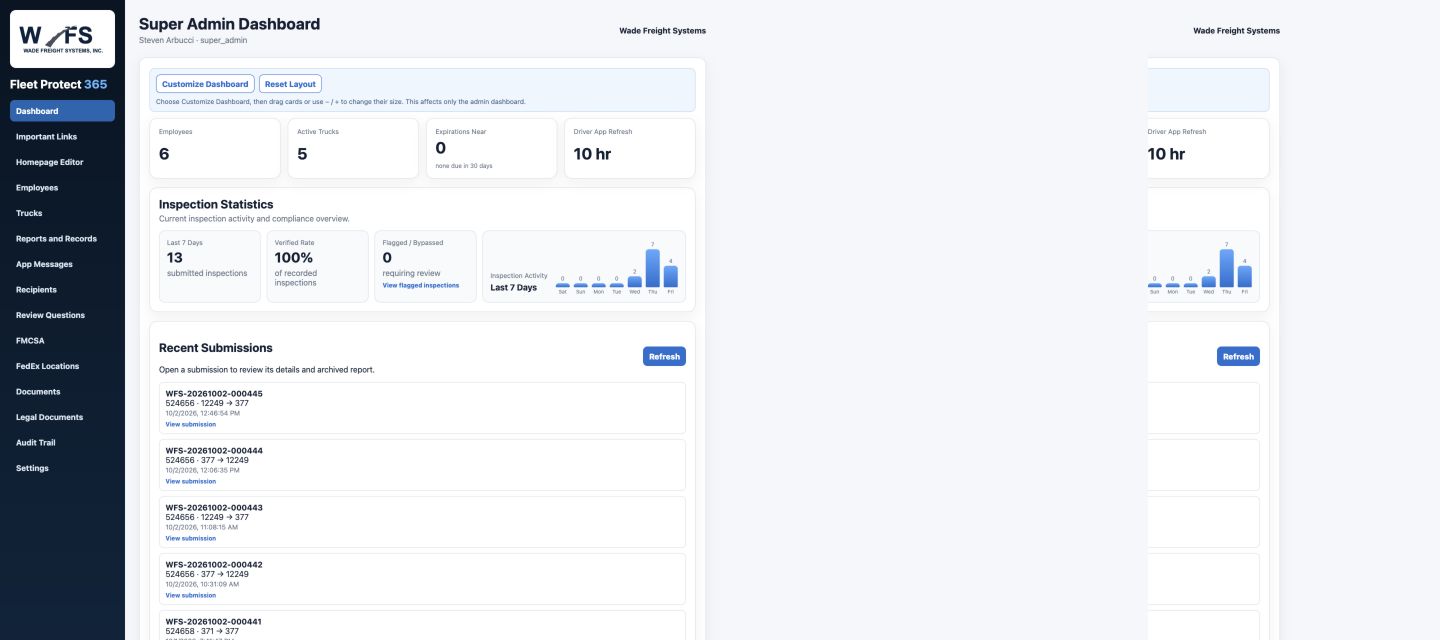
Actual Admin Portal screenshot. Overview counts reflect the capture time.
Review submitted checklist responses and photos. Use the details to coordinate follow-up with the driver or relevant team.
Maintain equipment information and authorized user access so records are available to the appropriate people.
Update equipment and company documents and designate who receives relevant reports.
Access dispatch records, call-out records, time-off requests, and the reporting available for your operation.
Send individual or group messages. Drivers can acknowledge and reply from their device.
Use available PDF or CSV exports to review information outside the portal and support administrative work.
Walk through the driver’s inspection and the record your administrator receives.
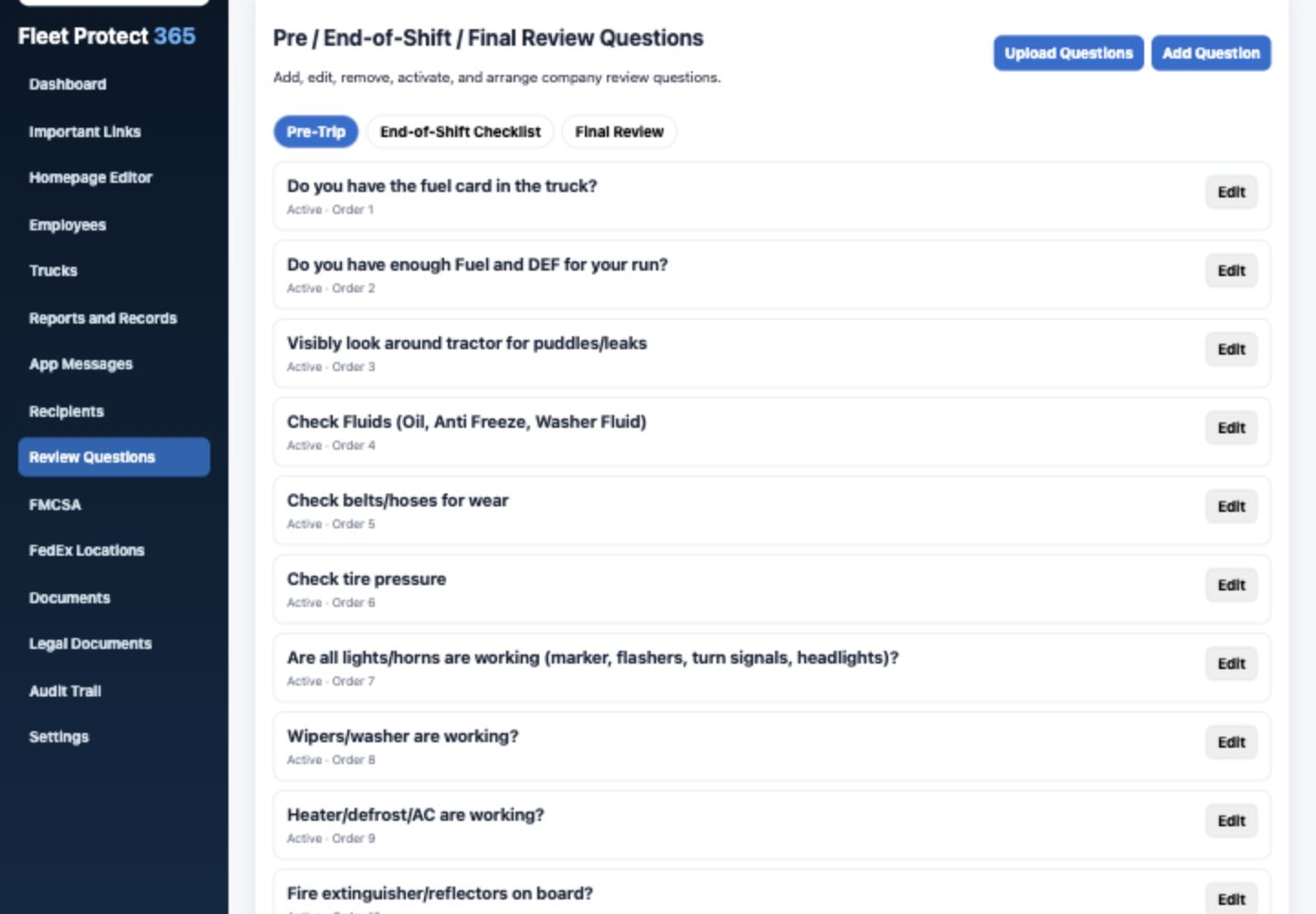
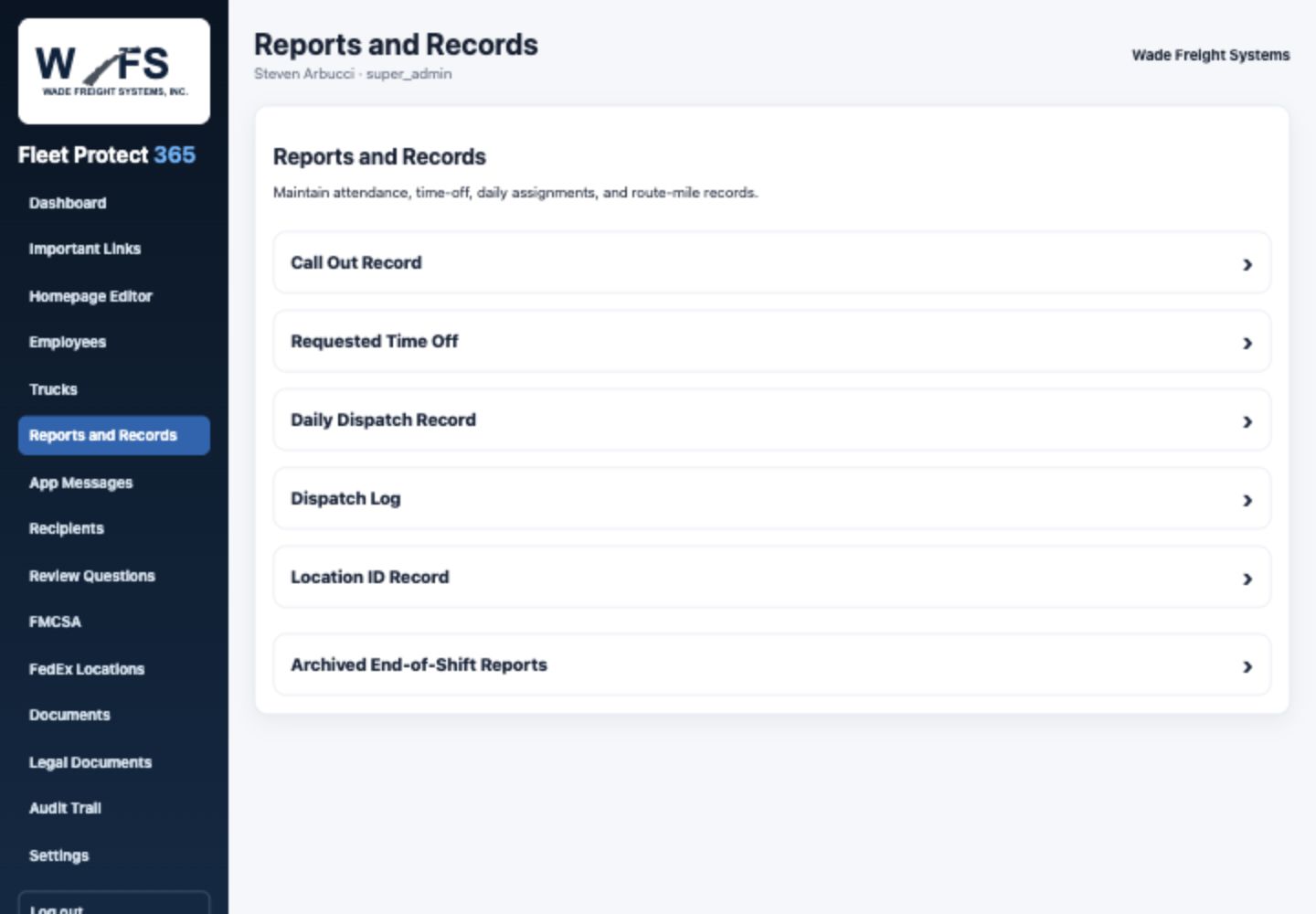
A documented concern gives the office something specific to review.
Open the inspection record and review the driver’s responses and supporting photos.
Use the documented information when contacting the driver, dispatch, maintenance, or the appropriate supervisor. Follow your company’s process for resolving the concern.
Use the available inspection records and report exports when a question comes up later. Confirm available history and retention for your operation during the walkthrough.
View the actual sample inspection report and enlarge the reporting screen. Ask for a walkthrough of a submitted inspection and its photos.
Give your team the information and access appropriate to their work.
Manage drivers and authorized users, including account access and roles. Review how adding, suspending, or removing access works during your administrator walkthrough.
Send individual or group messages and review driver responses. Maintain report recipients so the appropriate people receive the daily documentation.